
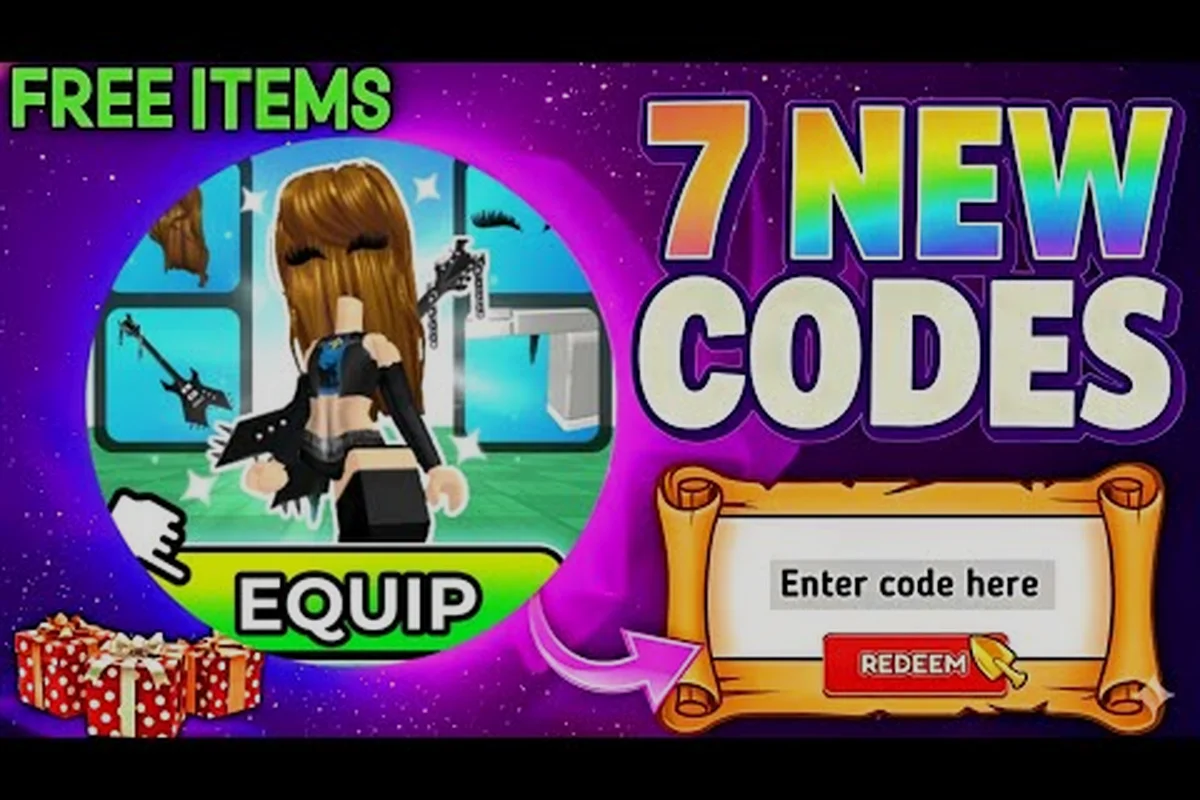
Redeeming codes in My Avatar is the fastest way to stack free Points without spending Robux, yet the exact path trips up plenty of players. The redemption flow lives inside the Point Shop, not the main menu, which is why so many people miss it. This guide walks the full My Avatar redeem codes sequence, covers the most common failure points, and shows you how to verify a code actually landed in your balance.
Locating the Redemption Screen Inside the Point Shop
Every My Avatar code redemption starts in the same place: the Point Shop. You open it by tapping the shopping bag icon on the right side of the screen while you are inside the experience. The Point Shop is where you browse the 100+ free accessories, but it also contains the code entry field that most players overlook because it is tucked behind a secondary menu.
Once the Point Shop loads, look for the Buy Points button near the top of the interface. Tapping Buy Points opens a new screen that shows the Robux-to-Points packages, and this is where the Enter Code Here box sits. The layout is intentionally simple, but the two-step navigation means you will never see the code field from the main Point Shop view. Players who report that My Avatar codes not working often discover they were typing into the wrong screen entirely.
The redemption path is consistent across platforms because My Avatar runs on the Roblox engine. Whether you are on PC, mobile, or console, the menu labels stay the same, though button placement shifts slightly on smaller screens. On mobile, the Buy Points button may sit behind a scroll, so swipe down if you do not see it immediately.
| Redemption Step | Exact Location | What You See |
|---|---|---|
| 1. Open Point Shop | Shopping bag icon, right side | Accessory grid, Point balance |
| 2. Tap Buy Points | Top of Point Shop | Robux packages, code box |
| 3. Enter Code Here | Below package list | Text input field |
| 4. Confirm | Button next to input | Success or error message |
The Enter Code Here box accepts codes as plain text, and the game does not care about capitalization. You can type 50points, 50Points, or 50POINTS and the system will process all three the same way. That said, codes are case-insensitive only for letters; numbers and symbols must match exactly, so double-check any code that includes a dash or underscore.
Step-by-Step My Avatar Code Redemption Walkthrough
The actual My Avatar code redemption takes less than thirty seconds once you know where to look. The sequence below assumes you are already inside the experience and have the Point Shop open. If you are still on the Roblox game page, launch My Avatar first, because the code box only exists in-game.
Step 1: Open the Point Shop from the in-game HUD. Tap the shopping bag icon on the right edge of the screen. Wait for the Point Shop to fully load before tapping anything else, because tapping too early can open the wrong menu on slower devices.
Step 2: Tap the Buy Points button. This is the critical navigation step that most guides gloss over. The Buy Points screen is a separate view from the main Point Shop, and the Enter Code Here box only appears on this secondary screen.
Step 3: Type or paste your code into the Enter Code Here box. Roblox does not support clipboard paste on all platforms, so if paste fails, type the code manually. Remove any leading or trailing spaces, because a stray space will cause the code to fail validation.
Step 4: Tap the confirm button and watch for the success message. A valid code shows a green confirmation and your Point balance updates immediately. An invalid or expired code shows a red error, which we cover in the troubleshooting section below.
| Code Example | Reward | Status (as of September 2026) |
|---|---|---|
| 50Points | 50 free Points | Active, community-reported |
| 100POINTS | 100 free Points | Expired, may return |
| FREEPOINTS | Variable Points | Unverified, use with caution |
| AVATAR2026 | Seasonal reward | Rumored, not confirmed |
The code list changes frequently because the developer, THINK DIFFERENT., releases new codes through the official Discord. Game Rant tracks active My Avatar codes and confirms that the redemption path matches the steps above. Codes like 50Points grant 50 free Points, while older codes such as 100POINTS may expire at any time without warning.
Why My Avatar Codes Not Working: Common Failure Points
When a code fails, the error message rarely tells you why. The most common reason players report that My Avatar codes not working is an expired code, but there are several other failure points that produce the same red error. Understanding the difference saves you from retyping a dead code ten times.
Expired codes are the top culprit. My Avatar codes are promotional, which means they have a limited lifespan. A code that worked last week may be dead today, and the game does not show an expiration date on the error screen. The only reliable way to know is to check a current code list or the official Discord announcement channel.
Typo or spacing errors are the second most common issue. The code box accepts exact strings only, so 50Points with a trailing space fails, as does 5OPoints with a letter O instead of a zero. If you are typing manually, watch for common character swaps: zero vs. letter O, one vs. letter I, and dash vs. underscore.
Already redeemed codes produce a specific error that some players misread as a system failure. If you see a message that the code was already used, it means the code is valid but your account has already claimed it. My Avatar codes are single-use per account, so you cannot redeem the same code twice on one Roblox profile.
| Error Type | Likely Cause | Fix |
|---|---|---|
| Code invalid | Expired or typo | Check current list, retype carefully |
| Already redeemed | Used on this account | Wait for a new code drop |
| No error, no Points | UI delay | Reopen Point Shop, check balance |
| Box missing | Wrong screen | Tap Buy Points first |
If the code box itself is missing, you are almost certainly on the main Point Shop screen instead of the Buy Points screen. This is a navigation issue, not a bug, and it explains a large share of "My Avatar codes not working" reports. Tap Buy Points and the Enter Code Here box appears.
How to Verify Your Points Actually Landed
After a successful redemption, the Point balance in the corner of the Point Shop should update immediately. If it does not, do not panic and do not re-enter the code. Re-entering a valid code after a silent success can trigger the "already redeemed" error, which makes it look like the code failed when it actually worked.
The most reliable verification method is to close the Point Shop completely and reopen it. The balance sometimes lags on slower connections, and a full reopen forces the UI to refresh from the server. If the Points appear after reopening, the redemption succeeded and the initial display was just delayed.
You can also verify by attempting to buy a cheap accessory from the Point Store. If your balance is high enough to cover the item, the purchase screen will show the correct total. This is a practical check because it confirms the Points are spendable, not just displayed.
| Verification Method | Steps | Reliability |
|---|---|---|
| Balance check | Read number in Point Shop corner | High, but can lag |
| Reopen Point Shop | Close and reopen the menu | Very high |
| Test purchase | Try buying a cheap accessory | Highest, confirms spendable |
| Roblox inventory | Check owned accessories | Medium, indirect |
The Point Store carries over 100 free accessories, so even 50 free Points from a single code can unlock something tangible. If you want to see what your Points can buy, the My Avatar ultimate guide breaks down the Point Store tiers and which accessories offer the best visual value for your balance.
My Avatar Expired Codes and How to Stay Ahead of New Drops
Expired codes are a fact of life in My Avatar because the developer uses them as limited-time engagement tools. A code that drops during a weekend event may be dead by Monday, while holiday codes sometimes last for weeks. There is no universal expiration window, which is why tracking current codes matters more than memorizing old ones.
The official Discord is the primary channel where THINK DIFFERENT. releases new My Avatar codes. Community reports consistently point to Discord announcements as the first place a new code appears, often hours before it spreads to YouTube or code-tracking sites. If you want codes the moment they drop, Discord is the place to be.
Code-tracking sites like Game Rant maintain updated lists of active My Avatar codes and confirm the redemption path through the Point Shop and Buy Points screen. Their Roblox My Avatar Codes page is a useful fallback when you cannot check Discord, and it flags which codes are active versus expired.
| Source | Speed | Reliability | Notes |
|---|---|---|---|
| Official Discord | Fastest | Highest | First place codes drop |
| Game Rant code list | Same day | High | Flags active vs. expired |
| YouTube code videos | Same day | Medium | Verify before trusting |
| Random code sites | Variable | Low | Often recycle old codes |
The My Avatar working codes list on this site tracks the current active set and updates as new drops land. If you want a single page to check before every session, that list pairs well with the redemption walkthrough above.
Frequently Asked Questions
Where exactly do I enter My Avatar redeem codes?
Open the Point Shop from the shopping bag icon, then tap the Buy Points button. The Enter Code Here box appears on the Buy Points screen, below the Robux package list. Type or paste your code, tap confirm, and watch for the green success message.
Why does my code say invalid when it worked for a friend?
The code is likely expired or you have a typo. My Avatar codes expire without warning, so a code that worked for a friend yesterday may be dead today. Double-check for character swaps like zero vs. letter O, and remove any leading or trailing spaces.
Can I redeem the same My Avatar code twice?
No. My Avatar codes are single-use per Roblox account. If you see an "already redeemed" error, the code was valid but your account already claimed it. Wait for a new code drop instead of retyping the same string.
Do My Avatar codes work on mobile and console?
Yes. The redemption path is identical across platforms because My Avatar runs on the Roblox engine. The Buy Points button may sit behind a scroll on smaller mobile screens, so swipe down if you do not see it immediately.
How do I know if a My Avatar code is expired before entering it?
You cannot check expiration in-game. The only reliable way is to consult a current code list from the official Discord or a tracking site like Game Rant. If a code is not on the active list, assume it is expired and skip it.