
My Avatar turns outfit browsing into a reward loop: every purchase you make inside the experience earns Points you can spend on free accessories. This My Avatar beginner guide explains how to play My Avatar efficiently so you can build a wardrobe without wasting time or Robux.
What Is My Avatar and How the Point System Works
My Avatar is a Roblox avatar shopping experience created by THINK DIFFERENT. on April 17, 2025, and it has already pulled in over 415 million visits with roughly 91% of players leaving a positive rating. The core loop is simple: you browse the full Roblox catalog, try on community-made outfits, preview items before equipping them, and then buy what you like. Every purchase you make inside the experience earns Points, which feed into a separate Point Store stocked with over 100 free accessories that you cannot get through normal catalog browsing.
The Points economy is what separates My Avatar from a standard catalog viewer. Instead of just window-shopping, you are actively rewarded for engaging with the catalog. The more you buy, the more Points you accumulate, and those Points convert into exclusive accessories that then live in your own Roblox inventory. Because everything you purchase is saved to your Roblox account, the items work across every other experience on the platform, which means your My Avatar wardrobe is not locked inside this one game.
| Point Source | How It Works | Best For |
|---|---|---|
| In-game purchases | Earn Points with every catalog item you buy | Players who regularly buy Roblox items |
| Promo codes | Redeem codes like 50Points in the Point Shop | Free-to-play players building a balance |
| Point Store redemptions | Spend accumulated Points on 100+ free accessories | Everyone, since items are exclusive |
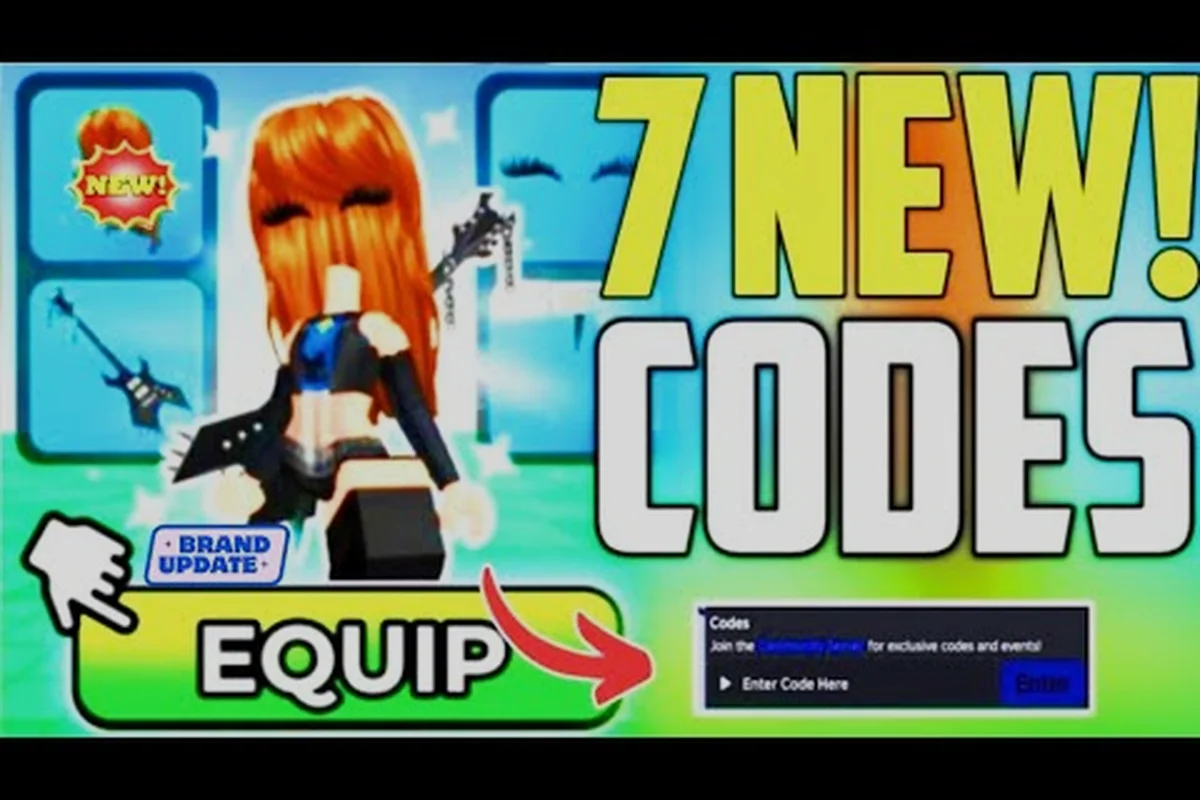
The Point Shop is where you redeem promo codes and spend your earned Points. According to Game Rant's September 2026 code tracker, the redemption path is straightforward: open the Point Shop, select Buy Points, and paste your code into the Enter Code Here box. Codes such as 50Points grant 50 free Points instantly, while older codes like 100POINTS may expire without warning, so redeeming active codes early is the smartest move for a new player.
Browsing the Catalog and Earning Your First Points
When you first load into My Avatar, the catalog is your main workspace. The experience pulls from the full Roblox catalog, which means you are seeing the same items you would find on the Roblox website, but with a few key advantages. You can try on community-made outfits before committing to a purchase, and you can preview individual items on your avatar to see how they layer with what you are already wearing. This preview system is the single most important tool for avoiding buyer's remorse, because Roblox items are non-refundable once purchased.
Your first session should focus on understanding how the catalog filters work. You can sort by category, price range, and community popularity, which helps you find items that fit your style without scrolling through thousands of pages. The My Avatar catalog guide breaks down the browsing tools in more detail, but the core habit is simple: preview everything before you buy it.
How to Get Outfits Without Overspending
The fastest way to build a wardrobe in My Avatar is to start with community-made outfits rather than individual items. Community outfits are pre-assembled combinations that other players have put together, and they often include multiple accessories, clothing layers, and cosmetic touches that would cost significantly more if purchased separately. Because each outfit purchase still earns Points, you are not losing out on the reward loop by buying a bundle instead of individual pieces.
-
Sort by price ascending to find affordable community outfits that still look polished
-
Preview the full outfit on your avatar before buying to check for clipping or color clashes
-
Check the item count in each outfit so you know exactly what you are getting
-
Prioritize outfits with accessories since those are the most expensive items to buy individually
When you find an outfit you like, the purchase flow is identical to buying a single item. The outfit is saved to your Roblox inventory, and the Points are added to your balance automatically. According to community reports, buying outfits is the most efficient way to earn Points early on because you get multiple items for one purchase action, which means fewer transactions to reach the same Point total.
Changing Your Avatar and Managing Your Inventory
One of the most common questions from new players is how to change your avatar after you have bought new items. The process is built into the experience itself, but it is worth understanding the difference between equipping items inside My Avatar and equipping them through the standard Roblox avatar editor. When you buy something in My Avatar, it is saved to your Roblox inventory, which means you can equip it either inside the experience or from the Roblox website.
Inside My Avatar, the equip flow happens automatically after purchase in most cases. You buy an item, it appears on your avatar immediately, and you can keep browsing with your new look applied. If you want to swap back to a previous item or mix and match pieces from different purchases, you use the in-experience wardrobe panel. This panel shows everything you own, organized by category, so you can build custom combinations without leaving the game.
| Inventory Action | Where to Do It | What Happens |
|---|---|---|
| Equip a purchased item | Inside My Avatar | Item appears on your avatar instantly |
| Mix and match pieces | In-experience wardrobe panel | Build custom outfits from owned items |
| Save a custom outfit | Roblox avatar editor | Outfit is stored for use across all experiences |
| Remove an item | Roblox avatar editor or My Avatar | Item stays in inventory but is unequipped |
The wardrobe panel is also where you can see how different items layer together. Roblox clothing supports multiple layers, and My Avatar gives you a live preview of how jackets, shirts, pants, and accessories interact. This is especially useful when you are combining items from different community outfits, because not every piece is designed to work with every other piece. The guide to saving outfits covers the save and load system in depth, but the key takeaway is that your custom combinations are never lost once you save them.
Maximizing Point Earnings with Codes and Smart Purchases
Promo codes are the fastest way to boost your Point balance without spending any Robux. The official My Avatar Discord is the primary channel where new codes are released, and Game Rant tracks active codes on a monthly basis. As of September 2026, the 50Points code is confirmed active and grants 50 free Points when redeemed through the Point Shop. Older codes like 100POINTS have expired, which is why checking a current code list before redeeming is essential.
The redemption flow takes less than a minute once you know where to look. Open the Point Shop from the main interface, select the Buy Points option, and you will see an Enter Code Here box. Paste your code, confirm, and the Points land in your balance immediately. Pro Game Guides has a video walkthrough that shows exactly where to redeem codes and which Point Store items are worth buying with the bonus, which is helpful if you are a visual learner.
Point Store Priorities for New Players
The Point Store is stocked with over 100 free accessories that you can only get by spending Points. Not all of these accessories are equally valuable, so having a priority list helps you spend your first Points wisely. Accessories that are exclusive to the Point Store are the best targets because you cannot get them anywhere else, while items that also appear in the regular catalog are lower priority since you could buy them with Robux instead.
-
Exclusive Point Store accessories are the highest priority because they cannot be obtained any other way
-
High-visibility items like hats, hair, and face accessories give you the most visual impact per Point
-
Limited-time items should be grabbed first since they may rotate out of the store
-
Cheap filler items are fine if you have leftover Points but should not be your main target
According to community data, the Point Store rotates its stock periodically, which means an accessory you see today might not be available next month. This rotation creates a natural incentive to spend Points as you earn them rather than hoarding a large balance. The accessories guide goes deeper into which accessory categories give you the most value, but the general rule is to prioritize exclusives over catalog duplicates.
Building a Long-Term Wardrobe Strategy
My Avatar rewards consistent engagement, but that does not mean you need to grind for hours every day. A sustainable strategy is to check the Point Store once per session, redeem any new codes that have appeared since your last visit, and make at least one catalog purchase to keep your Point balance growing. Because Points come from purchases rather than time spent in the experience, the most efficient players are the ones who plan their purchases around the reward loop.
One overlooked aspect of My Avatar is that everything you buy works across the entire Roblox platform. This means your My Avatar purchases are not just cosmetic upgrades for this one experience; they are permanent additions to your Roblox account that you can use in any game. When you buy a hat in My Avatar, that hat is available in every other Roblox experience you play, which makes the Point rewards feel like a bonus on top of purchases you would be making anyway.
| Strategy Element | Why It Matters | Expected Outcome |
|---|---|---|
| Check Point Store daily | Stock rotates periodically | Never miss exclusive accessories |
| Redeem codes immediately | Codes expire without warning | Maximize free Point income |
| Buy community outfits | Multiple items per purchase | Faster Point accumulation |
| Preview before buying | No refunds on Roblox items | Avoid wasted Robux and Points |
The official My Avatar page on Roblox confirms that the experience was built to make catalog browsing more interactive, and the Point system is the hook that keeps players coming back. If you want to understand how community outfits are created and shared, the outfit upload guide explains the process from the creator's perspective, which can help you spot high-quality outfits before you buy them.
Frequently Asked Questions
How do I earn Points fast in My Avatar?
The fastest way to earn Points is to buy community-made outfits, because each outfit purchase counts as a single transaction that earns Points while giving you multiple items. Redeeming active promo codes like 50Points adds free Points on top of your purchase earnings, and checking the Point Store regularly ensures you never miss exclusive accessories.
What is the best My Avatar beginner guide strategy for free players?
Free players should focus on redeeming every active promo code, since codes like 50Points grant Points without any Robux spending. After that, prioritize browsing the catalog to understand what is available, then make small purchases only when you find items you genuinely want. The Point Store has over 100 free accessories, so even minimal spending can build a wardrobe.
How do I change my avatar after buying items in My Avatar?
When you buy an item in My Avatar, it equips to your avatar automatically and saves to your Roblox inventory. To mix and match pieces later, open the in-experience wardrobe panel or use the standard Roblox avatar editor. Both methods show your full inventory, and any combination you save is available across every Roblox experience.
Can I use My Avatar items in other Roblox games?
Yes, every item you buy in My Avatar is saved to your Roblox inventory and works across the entire platform. This is one of the biggest advantages of the experience, because your purchases are not locked inside My Avatar. A hat you buy here is available in every other Roblox game you play.
Where do I redeem My Avatar codes?
Open the Point Shop from the main interface, select Buy Points, and paste your code into the Enter Code Here box. The official My Avatar Discord is the primary channel where new codes are released, and Game Rant tracks active codes monthly. Codes can expire without warning, so redeem them as soon as you find them.