
Outfits
My Avatar outfit ideas and community looks — cute, gothic, streetwear, aesthetic and themed combos you can build free using catalog pieces and Point Store items.
Introduction
Outfits are where My Avatar stops being a shopping simulator and becomes a creative tool. You can assemble any combination of catalog items, preview it on your avatar, and save it to My Outfits for one-click equipping anywhere. The community layer makes this social: other players upload their own combinations as Community Outfits, which you can try on and remix with one or two swaps to make them your own. Whether you prefer soft pastel kawaii, dark gothic layering, bold streetwear graphics or a fully themed cosplay concept, the outfit category collects the style directions, color rules and piece-selection logic you need to build looks that feel intentional rather than accidental. The guides here also cover practical tricks like layering jackets over tees, choosing a three-color limit, and mixing Point Store accessories into catalog basics to keep costs at zero.
Outfit Style Families
| Style | Palette | Key Pieces | Best For |
|---|---|---|---|
| Cute / Kawaii | Pastel pink, mint, cream | Soft hair, bows, rounded accessories | Everyday soft looks |
| Dark / Gothic | Black, deep red, silver | Long coats, dark eyes, chains | Edgy statements |
| Streetwear | Neon accents, bold prints | Graphic tees, sneakers, caps | Casual urban vibe |
| Aesthetic / Soft | Beige, sage, blush | Knits, berets, minimal faces | Cozy elegant looks |
Style Spotlight
Cute Kawaii
Pastel softness that reads as friendly and polished
Dark Gothic
Heavy layers and moody palettes for strong statements
Streetwear
Bold graphic layers with a relaxed urban energy
Aesthetic Soft
Cozy neutral elegance with minimal accessories
Core Mechanics
Building an outfit in My Avatar works through three simple mechanics: assemble, preview and save. The catalog provides the raw pieces, the try-on screen lets you simulate the full look on your actual avatar body, and the My Outfits list stores finished combinations as one-click presets. Community Outfits add a social layer — instead of starting from a blank canvas, you can load another player's design, preview it, and remix it with different hair, colors or accessories to make it your own. The unstated rule of good outfit building is color discipline: pick a two-to-three color palette and hold every new accessory to it, which is what separates intentional looks from random ones. Layering is the other hidden lever — a jacket over a tee, a hat on top of styled hair — because depth reads as style even when every individual piece is cheap.
Advantages
The outfit system is free, fast and endlessly remixable. Because all items live in the standard Roblox catalog, your wardrobe requirements never exceed what the platform already offers — including thousands of zero-Robux pieces that cover entire looks from head to toe. Community Outfits give you a shortcut to quality: instead of learning color theory from scratch, you can study and reverse-engineer looks the community already loves, then swap one or two pieces to make them yours. The My Outfits presets make switching looks trivial, so seasonal or event styling costs nothing in time. And because saving is per-account, your carefully built collection persists across sessions and even across other experiences that read standard catalog accessories, which means a single good styling session upgrades your avatar everywhere you play.
Challenges
The main weakness is the sheer catalog size — with tens of thousands of items, knowing where to look is a real skill, and the filter system only helps if you already know what you want. Community Outfits vary hugely in quality, so you will spend time wading through uninspired designs to find hidden gems. Free players also face a hard ceiling on certain looks: premium limited hair and accessories that define a style direction are sometimes only available for Robux. Finally, because every change is visual, there is no objective feedback — an outfit that looks off can be hard to diagnose when you are staring at it for too long.
Frequently Asked Questions
How do I save an outfit in My Avatar?+
Can I use community outfits made by other players?+
What makes an outfit look good in My Avatar?+
Quick Tips
Start every outfit with a palette, not a piece. Decide your two or three colors first — for example mint, cream and pink — and then only pick catalog items that fall inside that range. This single habit eliminates most clashing outfits before you even preview them, and it works for every style from kawaii to gothic.
Remix community outfits instead of building from zero when you are stuck. Load a look you like from the community browser, preview it on your avatar, and swap one or two items to make it yours. This shortcut cuts styling time in half and teaches you which piece combinations actually work together in practice, because every community look is a proof-tested recipe that another player already spent time perfecting.
Invest your best free items in hair and face slots rather than shoes or small props. The face and hair dominate the avatar's first impression in every screenshot and lobby, so a slightly boring shirt is easier to forgive than a boring face. Use Point Store accessories on those high-visibility slots before spending anywhere else, and you will get the largest visual payoff from every single piece you claim.
Featured
My Avatar Couple Outfits: Coordinated Matching Style Ideas
Create my avatar couple outfits with coordinated color palettes, matching accessories, and step-by-step styling tricks so you and your partner twin in the catalog.
My Avatar Free Outfits: Stylish Looks Without Points
Collect my avatar free outfits by hunting down zero-cost catalog pieces, free accessories, and community templates that still look stylish and fashion-forward.
My Avatar Grunge Outfits: Layered Dark and Emo Looks
Build my avatar grunge outfits with ripped denim, layered black tees, and chunky accessories, then blend emo and kawaii pieces for a darker matching look.
All Articles
My Avatar Outfit Catalog: Themed Holiday and Christmas Styles
Dig into the my avatar outfit catalog for themed style ideas, including Halloween and Christmas outfits, so every seasonal event gets a matching look.
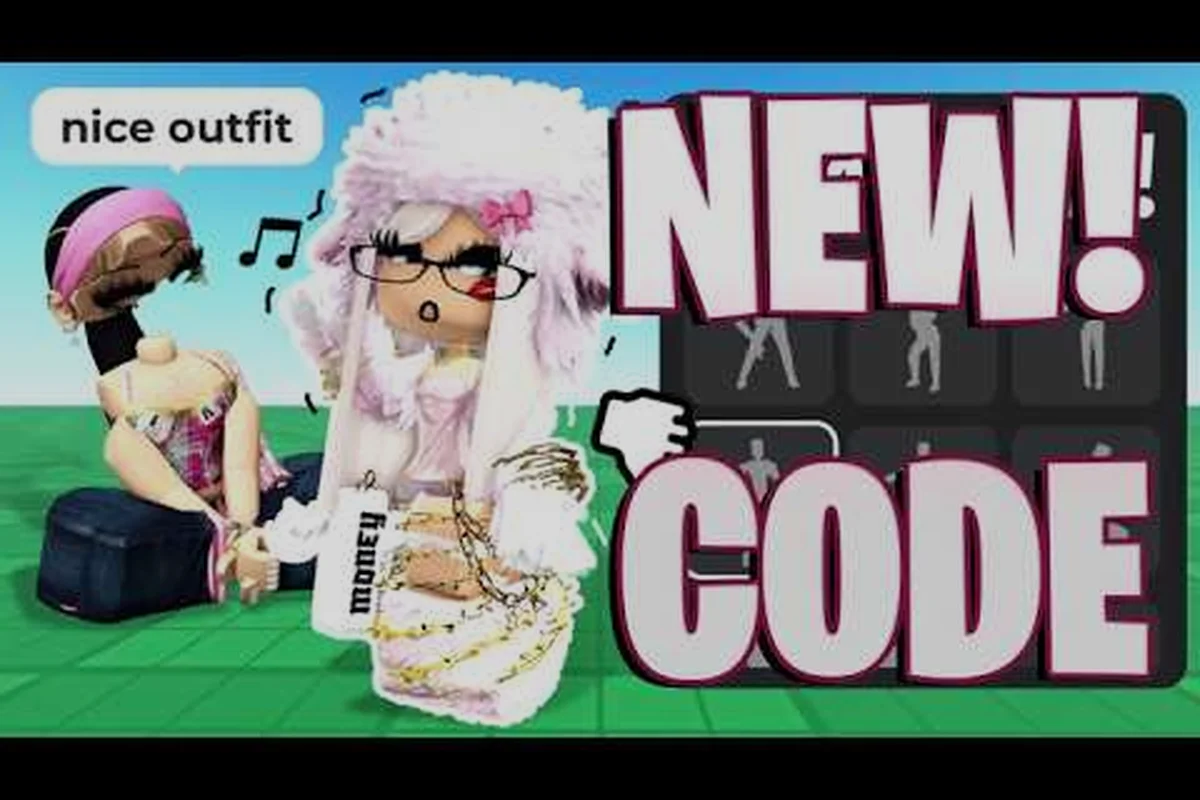
My Avatar Outfit Ideas: Cute, Gothic, and Aesthetic Looks
Steal my avatar outfit ideas for Roblox including cute, gothic, streetwear, and aesthetic styles so you always have a fresh look for girls or any vibe.
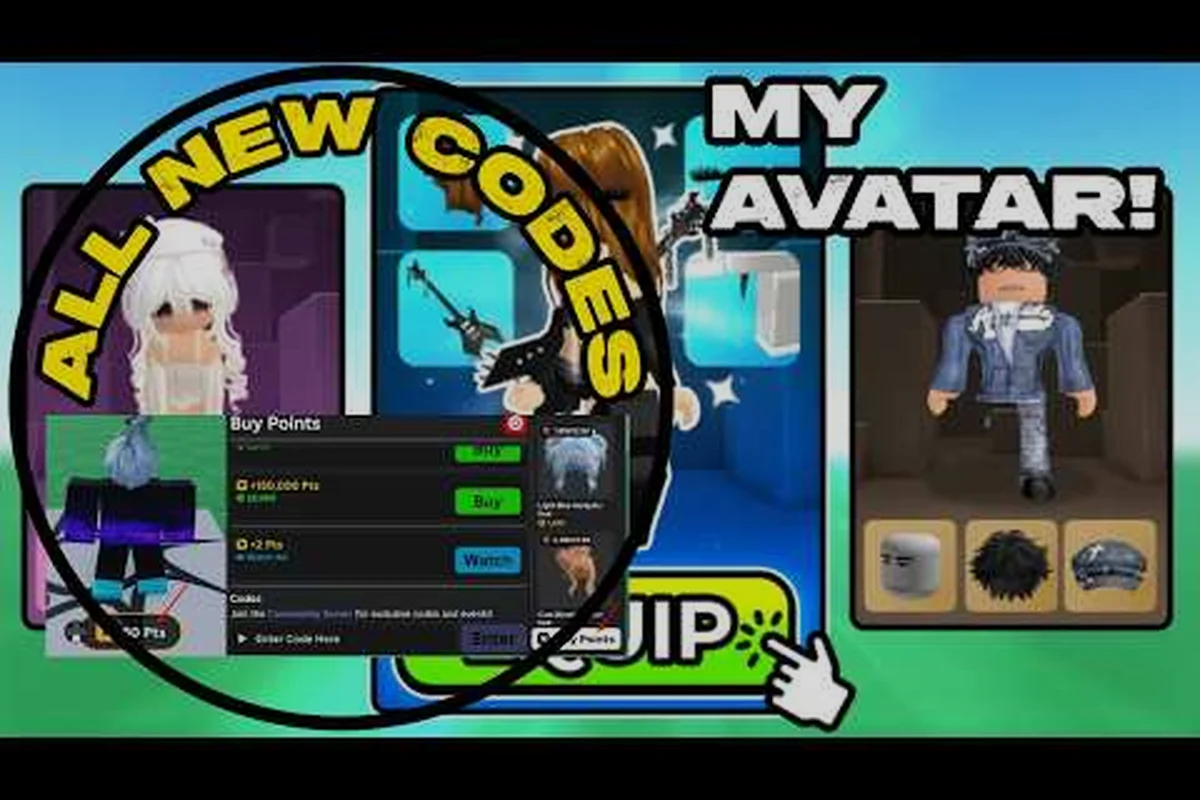
My Avatar Outfit Maker: Build Unique Looks Fast
Use the my avatar outfit maker to combine random catalog pieces into rare, expensive-looking outfits without wasting Points on mismatched items.
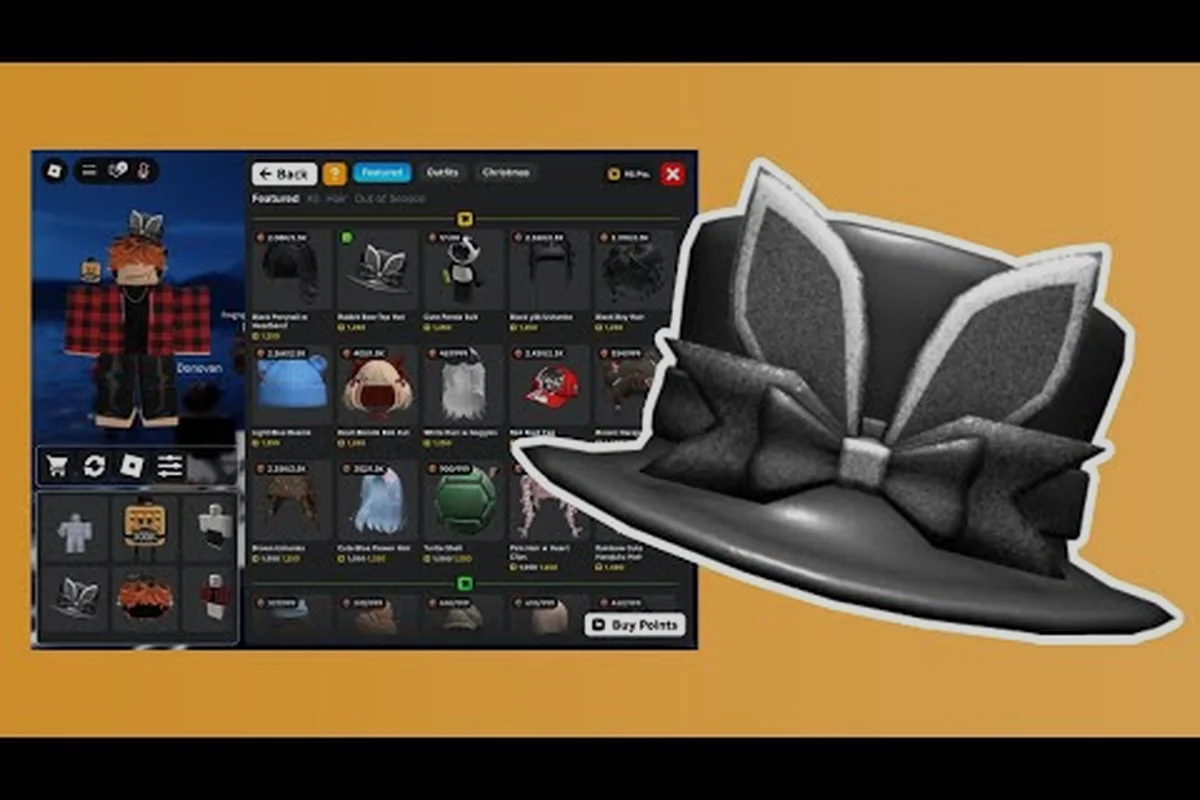
My Avatar Outfit Showcase: Try On and Preview Inspirations
Explore my avatar outfit showcase for inspiration, preview community looks before saving, and build a personal outfit list you can display with pride.
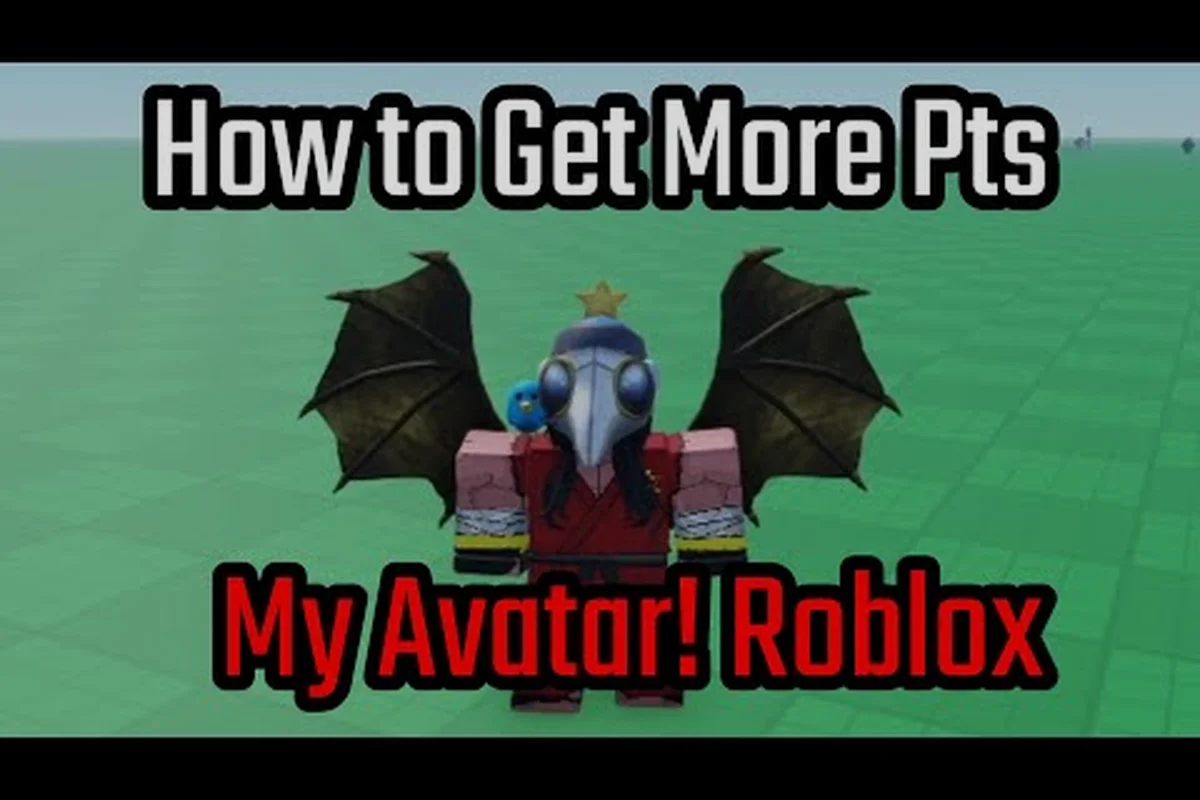
My Avatar Outfits for Boys: Combos and Community Templates
Build my avatar outfits for boys with the best combos, outfit codes, and community-made templates that turn catalog pieces into standout looks.