
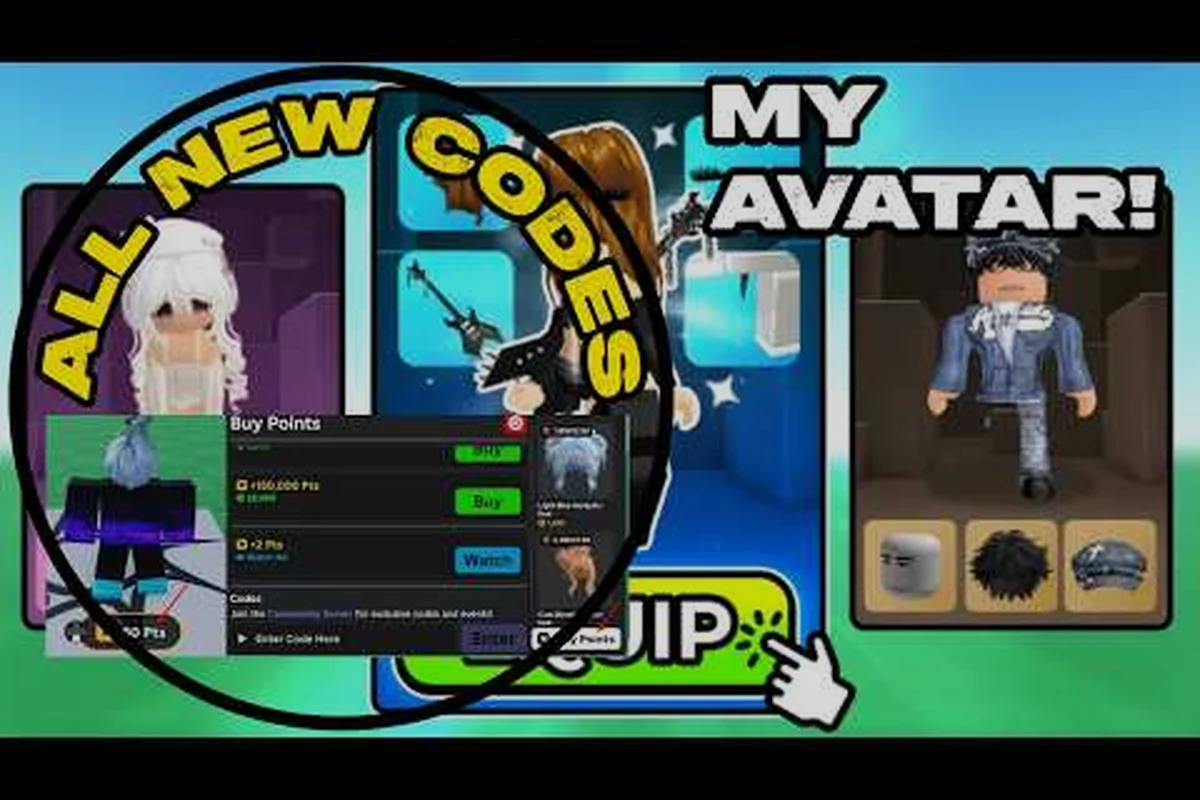
Starting out in My Avatar can feel overwhelming when you open the full Roblox catalog for the first time, because thousands of community-made items compete for your attention. This my avatar new player guide cuts through that noise by showing you exactly how to assemble a cohesive first outfit, earn free Points, and avoid the mistakes that leave most beginners stuck with mismatched accessories. By the time you finish reading, you will understand the catalog layout, the Point Store economy, and the hidden preview tools that make outfit building dramatically easier.
Understanding the My Avatar Catalog Basics
The catalog inside My Avatar mirrors the broader Roblox marketplace, but the in-game interface adds preview and try-on features that the website lacks. When you first spawn into the experience, you land in a central hub surrounded by mannequins displaying popular community outfits. Interacting with any mannequin opens a preview panel where you can inspect individual items, rotate the avatar model, and test color combinations before committing to a purchase. This preview system is the single most important tool for new players, because it prevents the classic mistake of buying an accessory that clips through your chosen hairstyle or conflicts with a jacket mesh.
The catalog itself is organized into several browsing categories that mirror Roblox's official taxonomy. You can filter by body parts, clothing layers, accessories, and bundles, although the in-game sort options are more limited than the website. Community data suggests that most new players spend their first ten minutes browsing the front page rather than using search, which leads to impulse purchases that do not fit a cohesive look. A smarter approach involves using the search bar with specific terms like "black hoodie" or "cyber visor" to surface items that match your intended aesthetic.
| Catalog Section | What You Will Find | Best Use for Beginners |
|---|---|---|
| Featured | Curated popular items and trending outfits | Inspiration, not direct buying |
| Clothing | Shirts, pants, jackets, and layered garments | Building the base of your outfit |
| Accessories | Hats, glasses, hair, face items, and gear | Adding personality and silhouette |
| Bundles | Pre-matched multi-item sets | Fast cohesive looks with one purchase |
| Point Store | Free items purchasable with earned Points | Zero-Robux outfit building |
The Point Store deserves special attention because it operates on a currency you earn by simply shopping in the experience. Every Robux purchase you make inside My Avatar generates Points that accumulate in your balance, and those Points can be redeemed for over one hundred free accessories that rotate periodically. This system means that even players with zero Robux can eventually build a unique look, provided they understand how Points accrue and where to spend them efficiently.
Building Your First Outfit Without Wasting Robux
The most common beginner mistake is treating My Avatar like a shopping spree rather than a styling exercise. You do not need to buy every item that catches your eye, because the preview system lets you test combinations indefinitely before spending anything. Start by selecting a base layer, which usually means a shirt and pants combination that establishes your color palette. Neutral colors like black, white, gray, and earth tones work best for first outfits, because they pair easily with almost any accessory you add later.
Once your base layer is set, move to accessories that define your silhouette. A distinctive hairstyle or hat creates instant visual identity, while face accessories and glasses add personality without overwhelming the outfit. The key principle here is layering: each item should complement the previous one rather than compete for attention. Community reports consistently show that outfits with three to five well-chosen accessories outperform those with ten random items, because visual clutter makes individual pieces harder to appreciate.
| Outfit Element | Recommended Order | Why This Order Works |
|---|---|---|
| Base clothing | First | Establishes color palette and body coverage |
| Hairstyle or hat | Second | Creates the most visible identity marker |
| Face accessory | Third | Adds personality without silhouette conflict |
| Back or shoulder item | Fourth | Fills negative space and adds depth |
| Emote or animation | Last | Finishes the presentation, not the look |
When you find an item you genuinely want, check whether it belongs to a bundle before buying it individually. Bundles frequently package multiple matching items at a discount compared to separate purchases, and they guarantee visual cohesion because the creator designed them as a set. The tradeoff is flexibility, since bundle items cannot always be mixed with other pieces as cleanly as individually chosen accessories. For a first outfit, bundles offer the fastest path to a polished look, while individual purchases reward players who enjoy the styling process itself.
Earning and Spending Points Efficiently
Points are the free currency inside My Avatar, and understanding how they flow is essential for any new player who wants to expand their wardrobe without spending real money. The core mechanic is straightforward: every Robux purchase you complete inside the experience adds Points to your balance at a rate that varies based on the item price. Higher-priced purchases generate more Points, which means saving for a single expensive item can fund several Point Store accessories afterward.
The Point Store itself contains over one hundred free accessories at any given time, with inventory rotating as new items are added and older ones cycle out. This rotation creates a soft pressure to spend Points before desirable items disappear, but patient players benefit from waiting for items that genuinely fit their aesthetic rather than grabbing everything available. The store interface includes a preview function identical to the main catalog, so you can test Point Store items on your avatar before committing your hard-earned currency.
| Point Source | How It Works | Efficiency Rating |
|---|---|---|
| Robux purchases | Points accrue with every in-game buy | High, scales with purchase size |
| Promo codes | Redeem in Point Shop for instant Points | Very high, free with no purchase |
| Daily bonuses | Some events grant login Points | Moderate, requires consistency |
| Bundle purchases | Points accrue on bundle buys too | High, bundles already save Robux |
Promo codes represent the fastest way to boost your Point balance without spending anything. The redemption path lives inside the Point Shop under the Buy Points tab, where an "Enter Code Here" box accepts active codes. According to tracking from Game Rant's My Avatar codes page, codes like 50Points grant fifty free Points instantly, while older codes such as 100POINTS may expire without warning. New codes typically appear through the official developer Discord, so checking that channel periodically keeps you ahead of expiration windows.
Hidden Features That Make Customization Easier
My Avatar hides several quality-of-life features behind interface elements that new players often overlook. The most valuable of these is the outfit save system, which lets you store complete looks and swap between them without re-equipping individual items. This feature matters because it encourages experimentation: you can create a casual outfit, a formal outfit, and a themed outfit, then switch between them in seconds depending on the experience you plan to join. For a deeper walkthrough of saving and loading outfits, the outfit management tutorial covers the full workflow.
Another hidden gem is the wishlist function, which lets you bookmark items for later consideration without purchasing them. New players often feel pressured to buy immediately when they see an item they like, fearing it will disappear from the catalog. The wishlist removes that pressure by keeping a persistent list of saved items you can revisit when your Robux or Point balance allows. This feature pairs naturally with catalog search strategies, and the catalog search tips guide explains how to filter and sort results to find exactly what you want faster.
| Hidden Feature | Where to Find It | Why It Matters |
|---|---|---|
| Outfit save slots | Avatar menu, outfit tab | Instant look swapping without re-equipping |
| Wishlist | Item detail panel, heart icon | Bookmark items for later without buying |
| Preview rotation | Preview panel, drag avatar | Inspect items from every angle before purchase |
| Point Store filters | Point Store, category tabs | Sort free items by type instead of browsing all |
| Bundle inspector | Bundle detail, expand items | See every item in a bundle before committing |
The preview rotation tool deserves special mention because it solves a problem that plagues many Roblox avatar builders: items that look great from the front but clip or float awkwardly from the side or back. By dragging the avatar model in the preview panel, you can inspect how a jacket interacts with your chosen shirt, whether a hat sits correctly on your hairstyle, and if a back accessory floats at the right height. This inspection habit prevents the disappointment of buying an item that only works from one camera angle.
Common Beginner Mistakes and How to Avoid Them
Every new player makes predictable errors in their first few My Avatar sessions, and recognizing these patterns saves both Robux and frustration. The most expensive mistake is impulse buying without previewing, which leads to a wardrobe full of items that do not work together. The fix is simple: preview every item on your current avatar before purchasing, and walk away from anything that requires you to change multiple other pieces just to make it fit.
Another frequent error involves ignoring the Point Store entirely, usually because new players assume free items are low quality. In reality, the Point Store contains genuinely desirable accessories that rotate regularly, and many of them rival paid items in visual appeal. The Point Store breakdown explains the full economy and how to maximize your Point earnings, but the core lesson is that free does not mean worthless in My Avatar.
| Mistake | Why It Happens | How to Avoid It |
|---|---|---|
| Impulse buying | Excitement over catalog size | Preview everything, use wishlist for later |
| Ignoring Point Store | Assuming free items are bad | Check Point Store weekly for new rotations |
| Mismatched colors | No base palette established | Choose neutral base layers first |
| Over-accessorizing | Wanting to use every item | Limit to 3-5 accessories per outfit |
| Skipping codes | Not knowing redemption path | Check developer Discord for active codes |
The over-accessorizing trap deserves extra attention because it stems from enthusiasm rather than ignorance. When you first unlock access to hundreds of items, the urge to stack hats, glasses, face items, and back accessories is strong. However, experienced players consistently report that restraint produces better results: a clean outfit with three well-chosen accessories reads as intentional, while a cluttered avatar with eight random items reads as chaotic. The distinction matters because your avatar represents you across every Roblox experience, not just inside My Avatar.
Frequently Asked Questions
What is the fastest way to get free items in My Avatar?
The fastest path to free items runs through the Point Store, where you can redeem Points earned from Robux purchases or promo codes for over one hundred rotating accessories. Codes like 50Points grant instant Points with no purchase required, and new codes appear regularly through the official developer Discord channel.
How do I preview an item before buying it?
Interact with any mannequin or open an item detail panel, then use the preview function to see the item on your avatar. Drag the model to rotate it and inspect the item from every angle, checking for clipping or floating issues before you commit Robux or Points to the purchase.
Can I save multiple outfits and switch between them?
Yes, the outfit save system lets you store complete looks and swap between them without re-equipping individual items. This feature encourages experimentation by letting you maintain separate casual, formal, and themed outfits that you can switch between in seconds depending on the experience you join.
Do My Avatar purchases work in other Roblox games?
Everything you buy inside My Avatar saves to your Roblox inventory and works across every experience on the platform. This means your carefully built outfit follows you into any game you play, which is why investing time in a cohesive look pays dividends beyond the My Avatar experience itself.
Are promo codes worth tracking for new players?
Absolutely, because promo codes represent the only way to earn Points without spending Robux. Codes expire without warning, so checking the developer Discord or tracking pages regularly keeps you ahead of expiration windows and ensures you never miss free Points that translate directly into free accessories.