
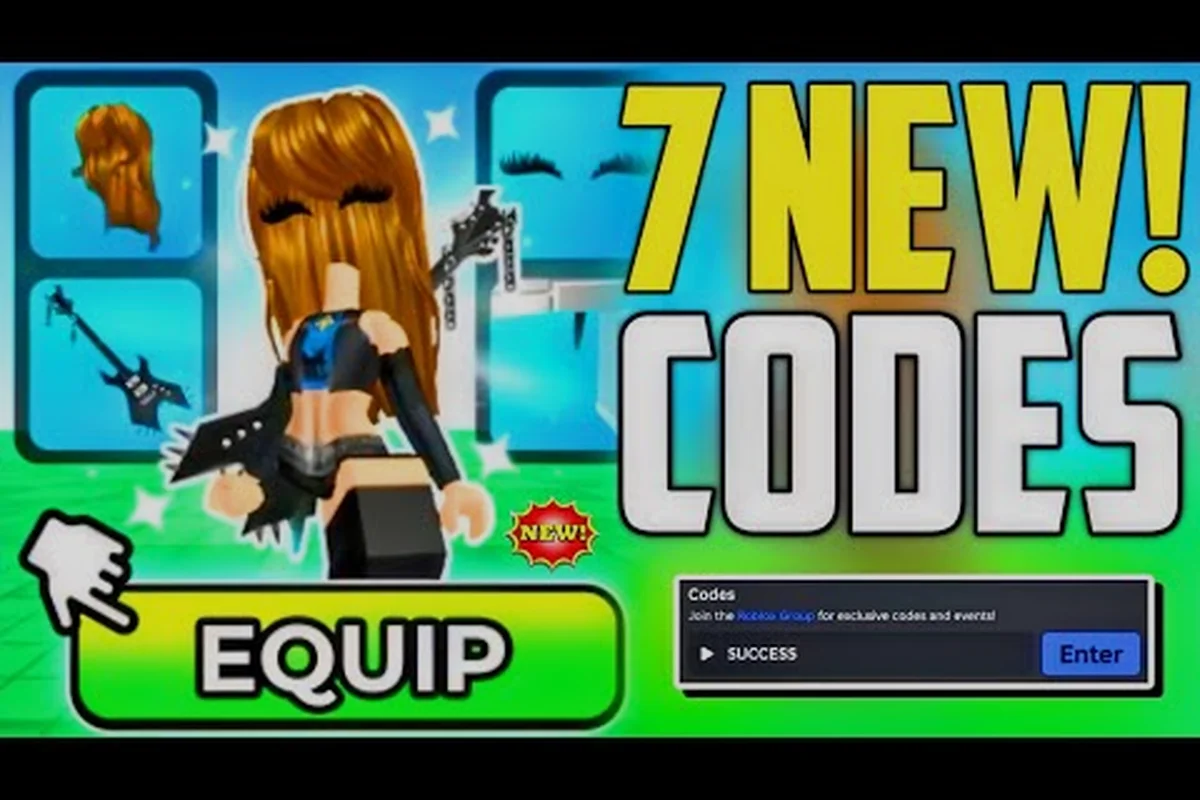
Learning how to get accessories in My Avatar transforms a basic Roblox character into a personalized outfit that works across every experience on the platform. The in-game shopping loop rewards you with Points for browsing and trying on community-made outfits, which you can then spend on 100+ free accessories in the Point Store. This guide breaks down the exact accessory flow, color customization, and layering tricks while steering you clear of the beginner mistakes that drain your Point balance before you find pieces you actually like.
Understanding the Accessory Economy and Point Flow
My Avatar runs on a closed loop that connects catalog browsing, outfit previews, and Point earnings. When you shop in-game, the experience tracks your activity and converts it into a currency called Points, which are separate from Robux and only spendable inside the Point Store. According to the official My Avatar page on Roblox, everything you buy gets saved to your own Roblox inventory, so accessories you unlock here remain usable in any other Roblox game.
The core loop looks like this:
| Stage | What Happens | Point Impact |
|---|---|---|
| Browse catalog | Scroll through the full Roblox catalog inside My Avatar | Passive Point accrual |
| Try on outfits | Preview community-made outfits on your avatar | Higher Point yield than browsing alone |
| Equip items | Equip accessories or clothing pieces you like | Triggers Point rewards |
| Redeem codes | Enter codes in the Point Shop's "Enter Code Here" box | Instant Point bonus |
| Spend Points | Buy accessories from the Point Store | Deducts your Point balance |
The Point Store is where the accessory loop pays off. It stocks over 100 free accessories, which means you are not spending Robux on these items at all. Instead, you convert time spent exploring the catalog into wearable gear. Community reports indicate that codes like 50Points grant 50 free Points when redeemed, while older codes such as 100POINTS may expire without warning, so redeeming active codes early is the safest play.
Why Points Matter More Than Robux for New Players
New players often assume they need Robux to build a good outfit, but the Point system inverts that expectation. Because Points come from browsing and trying on items rather than real-money purchases, you can assemble a full accessory set without spending anything. The trade-off is time: Point accrual is gradual, which means every purchase should be deliberate rather than impulsive.
The beginner guide to My Avatar covers the foundational controls and navigation that make Point farming feel natural instead of grindy. Once you understand how the camera, catalog filters, and equip flow work together, the accessory loop becomes second nature.
How to Get Accessories Without Wasting Points
The fastest path to accessories is not random browsing. It is a structured sequence that maximizes Point yield per minute while minimizing regret purchases. Players who treat the catalog as a discovery tool first and a store second tend to build better outfits with fewer wasted Points.
| Action | Point Efficiency | Beginner Risk |
|---|---|---|
| Browsing full catalog pages | Low but passive | Very low |
| Trying on community outfits | Medium | Low |
| Equipping items you preview | Medium-high | Medium (accidental equips) |
| Redeeming active codes | High (instant) | None |
| Buying from Point Store | N/A (spends Points) | High if impulsive |
The most common beginner mistake is buying the first accessory that looks decent in isolation. A mismatched accessory can look great on the preview thumbnail but clash with your existing outfit once equipped. Before spending Points, always preview the accessory on your current avatar and rotate the camera to check how it sits with your shirt, pants, and other accessories.
Redeeming Codes for a Point Head Start
Codes are the single fastest way to boost your Point balance early. The redemption path is straightforward: open the Point Shop, select Buy Points, and paste the code into the Enter Code Here box. According to Game Rant's My Avatar codes tracker, the official Discord is the primary channel where new codes get released, so checking there before a shopping session can add 50 or more Points to your balance.
The key discipline here is timing. Codes expire unpredictably, and a code that worked last week may be dead today. Redeem active codes immediately rather than saving them for later, because there is no benefit to holding onto a code that might vanish.
Changing Colors and Layering Clothing Like a Stylist
Color coordination is where most My Avatar outfits either come together or fall apart. The game lets you change colors on clothing pieces, which means you can adapt almost any item to fit a specific palette instead of hunting for a perfect color match in the catalog. This flexibility is the antidote to the mismatched accessory problem.
| Color Strategy | When to Use | Result |
|---|---|---|
| Monochrome base | Build around one neutral color (black, white, gray) | Easy to layer accessories |
| Two-color contrast | Pick one primary + one accent color | Balanced, intentional look |
| Full palette match | Match 3+ colors across shirt, pants, accessories | High-effort, high-reward |
| Color-change rescue | Adjust an item's color to fit your existing outfit | Saves Points on new purchases |
Layering clothing follows a similar logic. Instead of treating each clothing slot as independent, think of layers as a stack: shirt sits at the base, jacket or outerwear adds dimension, and accessories like hats, glasses, or neck items sit on top. The goal is visual depth without clutter, which means two or three well-chosen layers usually beat five random pieces.
How Layer Order Affects the Final Look
The order in which you equip layers changes how the outfit reads from a distance. A jacket over a graphic shirt can hide the shirt's design, while a necklace over a high-collar jacket may clip or disappear entirely. Because My Avatar saves everything to your Roblox inventory, you can test layer combinations in-game and then wear the same setup in any other experience.
The catalog shoes and bundles guide explains how item pricing and bundle values work, which helps you decide whether a layered outfit is cheaper to build from individual pieces or from a pre-made bundle. Bundles often include coordinated layers that already match, saving you the color-matching effort entirely.
Beginner Mistakes That Drain Your Point Balance
Most Point waste comes from a handful of predictable errors. Recognizing these patterns before you start shopping will save you hours of re-farming Points and a closet full of accessories you never wear.
| Mistake | Why It Happens | How to Avoid |
|---|---|---|
| Buying on first impression | Thumbnail looks better than in-game fit | Always preview on your avatar first |
| Ignoring color compatibility | Item matches itself but not your outfit | Check against your current palette |
| Hoarding expired codes | Waiting to redeem "later" | Redeem active codes immediately |
| Over-layering accessories | Adding too many pieces at once | Stick to 2-3 layers max |
| Skipping community outfits | Missing free style inspiration | Browse and try on community looks |
The impulse buy is the most expensive beginner mistake in My Avatar. Because Points accrue slowly, every purchase represents real time spent browsing. A 50-Point accessory might take 20-30 minutes of catalog activity to earn, so treating each buy as a deliberate choice rather than a reflex protects your balance.
The Preview-Before-Equip Rule
The single most effective habit is to preview every accessory on your current avatar before equipping or buying. The preview shows how the item sits with your existing shirt, pants, and other accessories, which reveals mismatches that thumbnails hide. If the preview looks off, walk away — there are 100+ other accessories in the Point Store, and another one will fit better.
Building a Cohesive Outfit from Scratch
A cohesive outfit starts with a clear concept, not a random collection of items. Pick a theme first — casual, fantasy, streetwear, formal — and let every subsequent choice serve that theme. This constraint actually makes shopping easier because it narrows the catalog from thousands of items to a manageable subset.
| Step | Action | Time Investment |
|---|---|---|
| 1 | Choose a theme or color palette | 2 minutes |
| 2 | Browse community outfits for inspiration | 10-15 minutes |
| 3 | Preview 5-10 candidate accessories | 10 minutes |
| 4 | Equip the best 2-3 pieces | 2 minutes |
| 5 | Adjust colors to unify the look | 5 minutes |
| 6 | Save and test in another experience | 2 minutes |
The Point Store guide details which free accessories offer the best value for new players, including items that pair well with common shirt and pants combinations. Starting with those high-value pieces gives you a foundation that later purchases can build on.
Testing Your Outfit Across Experiences
Because My Avatar saves everything to your Roblox inventory, the real test of a cohesive outfit is how it looks in other games. Some accessories that look great in the My Avatar preview may clip or sit awkwardly in experiences with different avatar scaling. Testing your outfit in one or two other games before committing to it as your main look catches these issues early.
Frequently Asked Questions
How do I get free accessories in My Avatar?
You earn Points by browsing the catalog, trying on community outfits, and equipping items in-game. Those Points can be spent in the Point Store on 100+ free accessories. Redeeming active codes from the official Discord adds instant Points to your balance, accelerating the process.
Can I change the color of clothing in My Avatar?
Yes, clothing pieces can be recolored to match your existing palette. This flexibility means you can adapt almost any item to fit a specific color scheme instead of hunting for a perfect catalog match, which saves Points and reduces the mismatched accessory problem.
What is the fastest way to earn Points?
Redeeming active codes is the fastest method because it grants Points instantly without browsing time. After that, trying on community outfits and equipping items yields more Points per minute than passive catalog scrolling, so prioritize those activities during shopping sessions.
What are the biggest beginner mistakes in My Avatar?
The biggest mistakes are buying accessories on first impression without previewing them on your avatar, ignoring color compatibility with your existing outfit, and hoarding codes until they expire. Each of these wastes Points that take real browsing time to earn back.
How many accessories should I layer at once?
Stick to two or three layers maximum. A shirt base, one outerwear piece, and one or two accessories like a hat or glasses create visual depth without clutter. Adding more pieces usually causes clipping or makes the outfit look chaotic rather than intentional.