
Guides
Step-by-step My Avatar guides for beginners — load-in, catalog browsing, outfit saving, Point earning, Roblox Plus signup and shopping tips in one place.
Introduction
Guides are the entry point to My Avatar, the Roblox avatar shopping experience where looking great is the whole game. Unlike combat-focused simulators, My Avatar has no battle pass to grind or power tier to chase — instead, your progression is your wardrobe. New players start by loading into the experience, opening the full Roblox catalog, and trying on hats, faces, hair, shirts and accessories before committing to anything. These guides walk you through that journey step by step: how to preview items safely, how to save outfits to your personal list, how the Points system rewards every browse, and how to link Roblox Plus for a fast 1,299 Point bonus. Whether you are building your first look or optimizing a Point Store haul, the guides here give clear, free-to-play friendly instructions so you can style your dream avatar without spending Robux.
Beginner Path Quick Reference
| Step | What to Do | Why It Matters |
|---|---|---|
| Launch | Load My Avatar on Roblox | Opens the avatar shopping lobby |
| Browse | Open the catalog UI and filter items | Discover free and paid pieces to build with |
| Preview | Try on any item before buying | Avoid spending Robux on pieces you dislike |
| Save | Save a finished outfit to My Outfits | Keep your look ready to equip anywhere |
| Spend | Visit the Pts shop to use earned Points | Claim free accessories in the Point Store |
Beginner Paths
First Look
Your first free outfit in 5 minutes
Catalog Explorer
Master filters, sorting and discovery
Outfit Builder
Layer pieces into a cohesive look
Point Spender
Turn earned Points into a wardrobe
Roblox Plus Jumpstart
The fastest free Points injection in the game
Core Mechanics
The core loop of My Avatar is browse, preview, equip and save. You start in a shopping lobby that connects directly to the full Roblox catalog, so there is no load-in between "looking at hats" and "owning a hat". Every item you interact with — browsing, previewing or purchasing — feeds Points into your balance through the built-in loyalty system. Points then unlock the Point Store, a separate collection of more than 100 accessories that exists outside the regular Roblox catalog and rotates over time. Outfits you assemble are saved to your personal My Outfits list and can be equipped instantly, and because all purchased items live in your Roblox inventory, the same look follows you into every other experience. Understanding this loop is what separates players who hoard Robux from players who build a full free wardrobe in a single evening.
Advantages
The biggest advantage of My Avatar's guide-friendly design is that progress is visible and immediate: there is no stat sheet to read, just a mirror that shows your new look after every change. Because the entire Roblox catalog is browsable in one place, you can compare hundreds of pieces in minutes without tabbing out of the game. The Points loyalty system rewards active shopping, which means even a completely free player can accumulate enough currency to buy limited accessories through patience and regular visits. Community outfits add another layer — instead of designing from scratch, you can start from a look another player already proof-tested and only swap one or two pieces to make it yours. All of this combines into an experience where a beginner guide is genuinely useful: the path from zero to a stylish avatar is short, repeatable, and never demands real money.
Challenges
The main challenge newcomers face is decision overload, because the full Roblox catalog contains an enormous number of items and the filter system takes practice to master. Limited stock and rotating Point Store drops create a fear of missing out, so players who log in rarely may find a desired accessory already gone. The Points economy is deliberately gentle, but it still takes time to stack 1,500 Points for expensive limited items like the Angel Wings when you only earn a trickle per browse. Code drops are short-lived and communicate mostly through the official Discord, so players who do not follow the channel can easily miss free Points. Finally, because every purchase syncs to your real Roblox inventory, there is no undo button — preview carefully before you spend, and use the guide workflows above to avoid buyer's remorse.
Frequently Asked Questions
What should I do first in My Avatar?+
Do outfits cost Robux to keep?+
Can I change my outfit later?+
Quick Tips
Always preview before you equip. The try-on screen shows exactly how a hat or shirt sits on your avatar at every angle, and it costs nothing to simulate a full outfit before you commit. Players who skip previewing are the ones who end up with clashing pieces or regret spending Robux on a hat they never wear.
Link Roblox Plus early for a free 1,299 Points. The signup flow inside My Avatar takes under a minute and immediately credits your balance, giving you a major head start on Point Store items. It is the single fastest Points injection in the game, so do it before you start any long shopping session.
Save every outfit, even the experiments. You can build a new look, save it, and later delete it if you hate it — but you cannot recover an outfit you replaced without saving. A quick save habit means you always keep your best looks as a fallback while testing new styles freely.
Featured
My Avatar Beginner Guide to Earning Points Fast
Start your My Avatar beginner guide by browsing the full Roblox catalog and earning Points with every purchase to unlock fresh outfits.
My Avatar How to Sign Up Roblox Plus for Perks
Master my avatar how to sign up Roblox Plus and understand the extra catalog features, outfit tools, and benefits beginners get from the premium upgrade.
My Avatar How to Upload Outfits for Community Use
Discover my avatar how to upload outfits and share your creations with the community, plus what Roblox Plus benefits unlock for outfit sharing.
All Articles
My Avatar New Player Guide to Your First Outfit
Follow this my avatar new player guide to build your first outfit, understand the catalog, and unlock hidden features that make avatar customization easier.
My Avatar Tips and Tricks for Layering Clothes
Use these my avatar tips and tricks to equip items, try on clothes, and layer multiple pieces for a unique look that stands out in the Roblox catalog.
My Avatar Ultimate Guide: From First Login to Full Wardrobe
Unlock the my avatar ultimate guide covering the Point Shop, redeeming items, and how to turn shopping runs into a complete avatar customization workflow.
My Avatar How to Get Accessories and Change Colors
Learn how to get accessories in My Avatar, change colors, and layer clothing while avoiding beginner mistakes that waste Points on mismatched pieces.
My Avatar How to Save Outfits Without Losing Them
Learn my avatar how to save outfits, preview items before equipping, and organize your favorite community-made looks so your best combinations never disappear.
My Avatar Menu Guide to Settings and Favorites
Navigate the my avatar menu guide to manage settings, inventory, favorites, and the avatar editor so you can switch between saved looks in seconds.
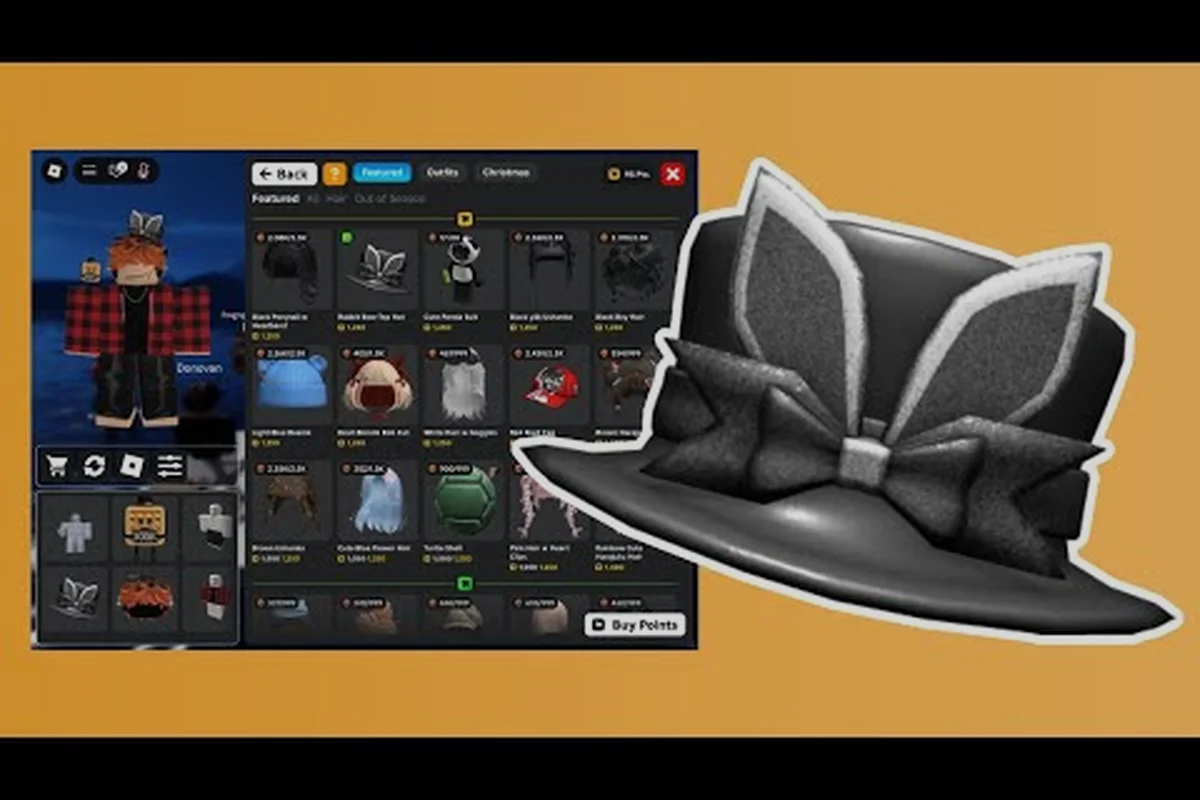
My Avatar Shopping Guide: Earn Points While You Browse
Master the my avatar shopping guide to preview community outfits, try on items before equipping, and earn Points with every purchase so you never waste your balance.