
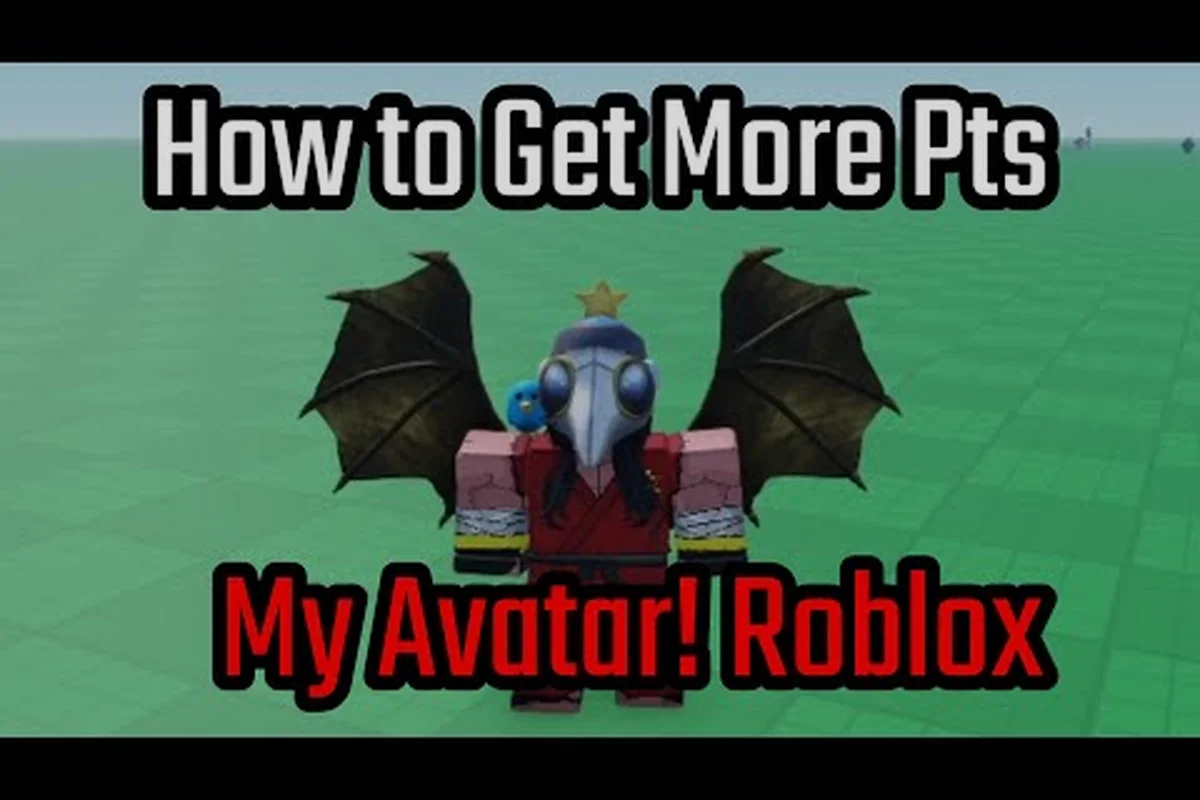
A neon avatar in My Avatar turns your Roblox character into a walking light show, and the right color balance makes the difference between a muddy glow and a clean electric statement. The core idea is simple: pick one dominant neon hue, then use black, white, red, pink, and blue pieces to frame it instead of competing with it. Because the in-game catalog pulls from the full Roblox inventory, you can preview thousands of community-made outfits before spending a single Point, which means experimentation costs nothing but time.
Why Neon Works in My Avatar
Neon pieces read instantly in crowded lobbies because they create high luminance contrast against the default gray and brown environments that dominate most Roblox experiences. A my avatar neon avatar built around a single saturated color draws the eye faster than a multicolor outfit, even when both use the same accessory slots. The visual principle is straightforward: glow effects amplify a color's brightness, so pairing two equally bright neon colors side by side creates visual noise rather than a focal point.
The catalog structure in My Avatar makes neon styling easier than in most avatar editors because every item previews on your actual character before purchase. According to the official My Avatar game page, the experience lets you browse the full Roblox catalog, try on community-made outfits, and preview items before equipping them. That preview-first workflow is essential for neon builds, since a glow effect that looks great on a thumbnail often behaves differently when layered over your existing skin tone and body shape.
| Neon Element | Visual Effect | Best Pairing |
|---|---|---|
| Electric Cyan | Maximum brightness, reads as futuristic | Black base pieces |
| Hot Magenta | High saturation, draws immediate focus | White accents |
| Lime Green | Unusual hue, stands out in nature maps | Red contrast piece |
| Violet Glow | Softer luminance, works in low light | Pink secondary glow |
| Amber Orange | Warm neon, rare in Roblox catalogs | Blue complementary pop |
Community data from the My Avatar Discord suggests that single-hue neon builds get more outfit likes than rainbow combinations, which aligns with basic color theory. When you limit the glow to one family of colors, the eye processes the character silhouette as a unified shape rather than a scattered collection of bright parts. That cohesion matters because Roblox avatars are often seen at small sizes in server lists and leaderboards.
Building a Black and White Neon Frame
A my avatar black avatar foundation gives neon colors the dark backdrop they need to reach full perceived brightness. Black absorbs ambient light in the renderer, so a neon accessory placed against a black torso or legs appears to glow more intensely than the same item on a white or pastel base. This is why most professional neon outfits in the community start with matte black body pieces before adding any glowing elements.
The white counterpart works differently but serves an equally important role. A my avatar white avatar base creates diffuse reflection that softens the neon glow and makes the overall look feel cleaner and more approachable. White works best when you want a neon accent to feel integrated into the outfit rather than bolted on as a separate glowing piece. The two neutrals are not interchangeable, and choosing between them changes the emotional tone of the entire build.
| Base Color | Glow Perception | Best Use Case | Avoid Pairing With |
|---|---|---|---|
| Black | Maximum contrast, neon appears brighter | Cyberpunk, dark fantasy | Dark navy, charcoal |
| White | Softened glow, cleaner silhouette | Futuristic, angelic | Cream, light gray |
| Gray | Neutral midpoint, balanced luminance | Casual neon accents | Silver metallic |
| Skin tone | Depends on avatar complexion | Minimal neon touches | Nothing specific |
When you combine both neutrals, the standard approach is black on the torso and legs with white reserved for the head, hands, or a single accessory slot. This creates a natural top-to-bottom reading order that guides attention toward the neon pieces you want to highlight. The outfit saving guide explains how to lock in these base combinations so you can swap neon accessories without rebuilding the entire frame each time.
Red, Pink, and Blue Neon Strategies
A my avatar red avatar leans aggressive and high-energy, which makes red neon the strongest choice for players who want their character to read as a threat or a competitor. Red glow effects are less common in the Roblox catalog than blue or green, so a well-executed red neon build tends to feel more unique even when it uses fewer total accessories. The key is restraint: one red neon weapon, one red neon hat, and one red neon face accessory is usually enough to carry the entire look.
Pink occupies a different lane entirely. A my avatar pink avatar reads as playful and approachable, and pink neon has the advantage of blending well with both white and black bases without losing its identity. Community outfit showcases frequently pair soft pink glow with white hair and black clothing to create a look that feels simultaneously cute and polished. Pink also transitions well into violet, which opens up gradient possibilities that pure red or blue builds cannot achieve.
A my avatar blue avatar is the most versatile neon option because blue glow effects are abundant across every accessory category in the Roblox catalog. From electric blue visors to cyan particle trails, blue neon pieces are easy to find and easy to layer without creating visual conflicts. The tradeoff is that blue neon is also the most common, so standing out requires either an unusual blue shade or a creative silhouette that most players would not attempt.
| Neon Color | Emotional Read | Catalog Availability | Difficulty to Execute |
|---|---|---|---|
| Red | Aggressive, competitive | Moderate | High — easy to overdo |
| Pink | Playful, friendly | High | Low — forgiving with neutrals |
| Blue | Futuristic, cool | Very high | Moderate — common, needs twist |
| Green | Alien, toxic | Moderate | High — clashes with skin tones |
| Purple | Mystical, premium | High | Low — pairs with pink and blue |
The best neon builds treat color as a hierarchy rather than a palette. Pick one primary neon color that appears on at least three accessories, one secondary neon color that appears on exactly one accessory, and let black or white handle everything else. This rule prevents the rainbow effect that makes many neon avatars look unfinished even when every individual piece is high quality.
Accessory Selection for Neon Builds
The accessory slots you fill matter more than the specific items you choose, because neon effects concentrate in certain categories. Face accessories and head accessories carry the most visual weight in Roblox because the camera defaults to a head-and-shoulders view in most experiences. A neon visor or glowing eyes will be seen far more often than neon shoes, so those slots deserve your best pieces and your primary color.
Back accessories and shoulder accessories create the silhouette expansion that makes a neon avatar visible from behind and at a distance. A glowing cape, neon wings, or an energy pack reads clearly even when the character is running away from the camera, which matters in chase-heavy games. These larger pieces also give you more surface area for glow effects, so they can carry a secondary color without competing with the face.
| Accessory Slot | Visual Weight | Recommended Neon Use |
|---|---|---|
| Face | Highest — always visible | Primary color, glowing eyes or visor |
| Head/Hat | High — frames the face | Primary or secondary color |
| Back | High — expands silhouette | Secondary color, large glow area |
| Shoulder | Medium — visible from front | Accent color, small glow |
| Waist | Low — often obscured | Skip neon, use black or white |
| Legs/Shoes | Low — rarely noticed | Neutral color, minimal glow |
The tips and tricks guide covers how to equip and layer items efficiently, which becomes important when you are testing multiple neon combinations in a single session. Because the preview system updates instantly, you can cycle through ten different neon hats in under a minute and compare them side by side on your actual character model.
Balancing Glow Intensity Across the Body
The most common neon avatar mistake is uniform glow distribution, where every accessory glows at roughly the same intensity. This creates a flat, wallpaper-like effect that actually reduces the perceived brightness of each individual piece. The fix is to designate one focal glow point — usually the face or the back — and let every other neon piece glow at a lower intensity or cover a smaller area.
Layering glow effects from different items can produce unexpected results because Roblox rendering does not always blend overlapping neon the way you would expect. Two glowing items occupying the same visual space often create a white-hot core where the colors wash out entirely, losing the hue you selected. Community testing suggests keeping at least one accessory slot of separation between major glow sources to preserve color identity.
| Glow Distribution | Visual Result | When to Use |
|---|---|---|
| Single focal point | Strong contrast, clear hierarchy | Most builds, especially red and blue |
| Two balanced points | Symmetrical, formal | White-base builds, angelic themes |
| Three spread points | Busy, energetic | Party or festival themes |
| Uniform glow | Flat, washes out colors | Avoid — reduces impact |
A practical approach is to build the outfit in layers of intensity: one piece at maximum glow, two pieces at medium glow, and everything else either non-glowing or using a matte finish. This creates depth that reads clearly even in bright outdoor maps where ambient light would otherwise flatten the neon effect.
Frequently Asked Questions
What is the best base color for a neon avatar?
Black is the strongest base for most neon builds because it maximizes perceived glow contrast. White works better for softer, cleaner looks where the neon should feel integrated rather than stark. Gray and skin-tone bases are situational and generally produce weaker results.
How many neon colors should I use on one avatar?
Stick to one primary neon color on at least three accessories, plus one secondary neon color on exactly one accessory. Using more than two neon hues usually creates visual noise that makes the outfit look unfinished, even when every individual piece is high quality.
Where should I put the brightest neon piece?
Place the brightest neon piece on the face or head slot, since Roblox cameras default to a head-and-shoulders view in most experiences. Back accessories are the second priority because they expand the silhouette and remain visible when the character faces away from the camera.
Can I mix red and blue neon on the same avatar?
Yes, but only when one color clearly dominates and the other appears on a single accent piece. Red and blue have similar luminance, so equal amounts of both will compete for attention. A red-dominant build with one blue back accessory works; a 50/50 split does not.
Do neon items cost more Points in My Avatar?
Neon items span the full price range in the Roblox catalog, so cost depends on the specific item rather than the glow effect itself. Some of the most striking neon pieces are available through the Point Store, while others require Robux, so preview everything before committing your currency.